Seating and inventory
Seating plans, event plans, holds and the inventory behind every ticket you sell. A venue draws its plan once and marks a version live; each event lays its prices and kills over it, and buyers reserve a seat with a tap.
Overview#
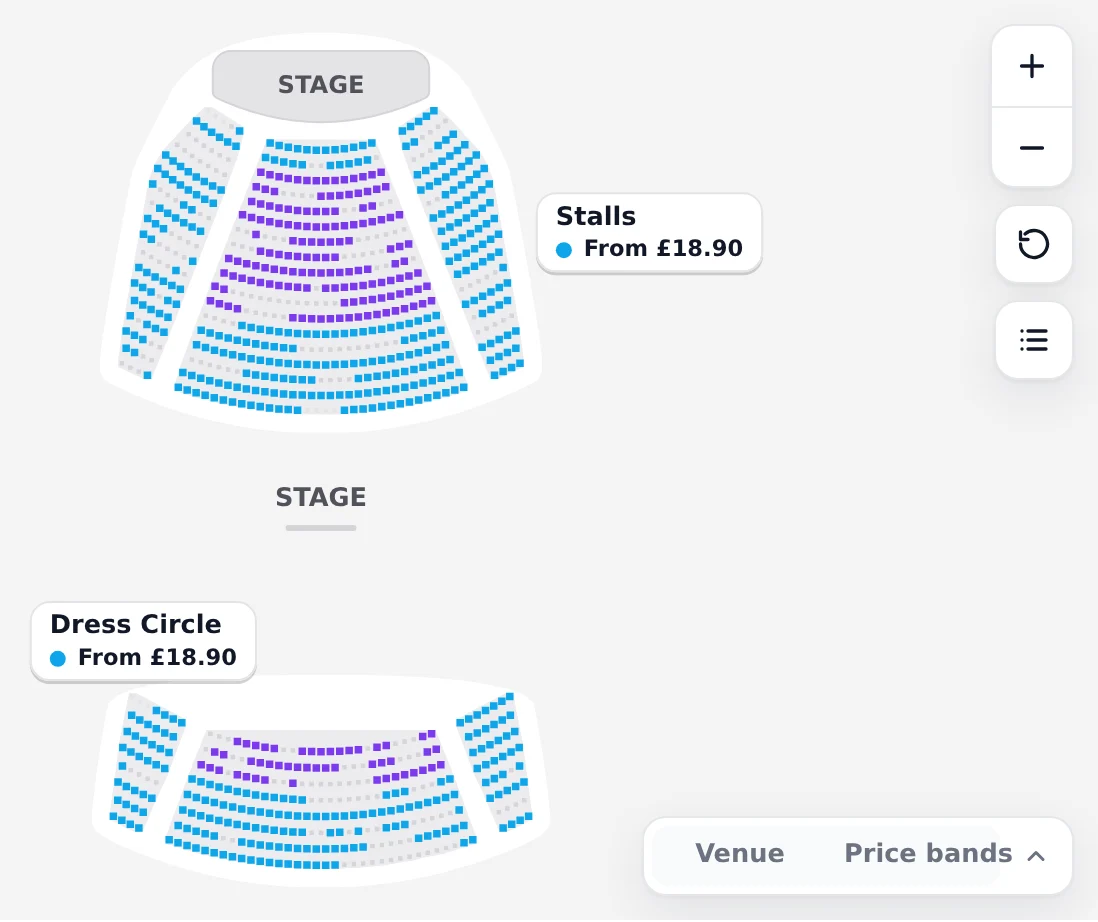
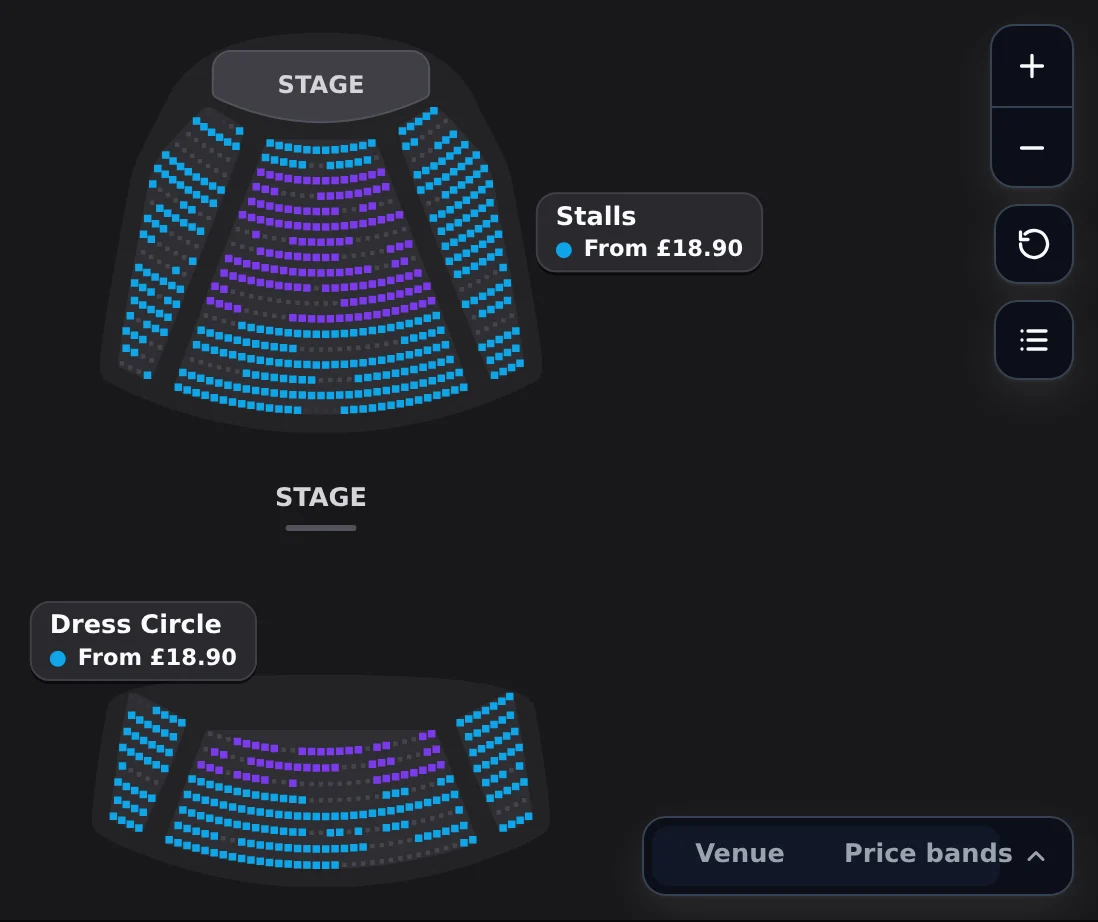
Seating and inventory is what you sell on each date: every seat on a venue's seating plan, or a capacity for general admission. The map below is the seat explorer buyers see, running on a demo night; fly into a section and tap a seat.
How it works#
Seating is three layers, each owned by the one who decides it. The venue owns its seating plan: the room, its seats and how they are numbered. The event owns an event plan laid over one version of that plan: which price category each seat is in, and which seats the production kills. Each date owns its seats' state: available, reserved, sold or held. Nothing is copied from one layer into the next, so a change for one event never moves a seat for another, and a venue's work is never lost when an event ends.
- Venue planDrawn once, a version marked live
- Event planCategories and kills
- Seats per dateWhat can be soldHoldsKept back from sale
- OrdersReserved on a tap, then sold
- Venue plan
- One seated configuration of a venue, such as end stage or in the round: its areas, sections, rows and seats. It belongs to the venue even when one event uses it.
- Version
- A venue plan is drawn in versions. A draft can change; a published version never changes again.
- Live version
- The published version new events pin. Someone with permission to manage the venue marks it live.
- Event plan
- An event laid over one live version: price categories per seat, each with its colour and standard ticket type, and the seats the production kills.
- Kill
- A seat the production takes out for this event: a camera position, a sound desk, a sightline the set blocks. It is never sold and never shown as for sale.
- Hold
- Seats kept back from sale on one date under a name, such as press, access or the promoter, until they are released.
- Reservation
- A seat in a buyer's cart, made the moment they tap it and kept until they pay or the cart expires.
Venue plans#
A venue draws each seated configuration once. A plan is drawn in versions: a draft changes as often as it needs to, and publishing it fixes it for good, so every seat a buyer has ever bought is still the seat it was. To change a published plan, start a new draft from it.
Publishing a version does not put it in front of anyone. Marking a version live is what makes it the one new events at the venue pin, and it takes permission to manage the venue, so the venue signs off its own room. Marking another version live later does not move an event that has already pinned one: its seats, prices and sales stay exactly where they were.
Event plans#
An event plan pins the venue's live version and lays the event over it. It gives every seat a price category (Premium, Standard, Restricted view), each with the colour buyers see on the map and a standard ticket type, the one a seat takes when a buyer taps it. A seat in no category is not sold on this plan. Kills take seats out for the production. Until the first sale an event plan can change freely; after it, changes only add, so nobody's seat moves under them.
The ticket types themselves stay on the event and are priced per category, so one seat can be sold as Adult, Child or any other type its category is priced for, at the price its sales channel offers.
Selling a seat#
A tap reserves the seat. There is no separate step to pick a ticket type first: the seat goes into the buyer's cart at once on its category's standard ticket type, and the seat card beside it offers the other types. Changing the type keeps the seat; only the price moves. The seat stays reserved for as long as the cart lasts, and returns to sale when the cart expires.
Every buyer sees the same seats within a couple of seconds. The map refreshes what is available as the date sells, and the reservation is the final word: a seat another buyer took a moment earlier is refused with the nearest free seat offered instead.
No single seats are stranded. A choice that would leave one empty seat between two taken seats, or against the end of a row, is refused online with a warning and the same number of seats shifted along to take instead. Online buyers cannot override it; Box Office staff can, after a confirm.
Each channel sets a seat limit per order, ten unless its selling rules say otherwise, and the seat map loads only on the websites the channel lists as its allowed origins.
In Backstage#
Draw the room under Venues, in the venue's Seating plans: create a plan, draw it, publish the version and mark it live. Then open an event's Seating to choose the live plan, give the seats their price categories and kill the seats the production needs.
Draw the plan, publish it and mark it live, then put an event on it.
TaskPut an event on the planPrice categories per seat, and kills for the production.
Sell seats on your websiteThe Blueprint: the buy modal, or the seat explorer and the cart.
Hold seatsKeep seats back for press, access or the promoter.
Import a seating plan with CueStart from the venue's own plan or seat list instead of drawing it.
TaskSet up seat ranking and recommendationsWhich seats best available offers first, and each event's selling rules.
TaskMake your venue 3DA 3D model, so every seat shows its view.
TaskWith the API and Elements#
The seat map on your own page is <tl-seat-explorer>, beside <tl-cart>, or the Seats step the buy modal shows on its own for a seated date. Add a seat map to your site has the code for HTML, React and Next.js, the theme tokens and the events the elements send. When the venue has a 3D model, the explorer also shows the venue in 3D. The older <tl-seat-map> is no longer an element: Moving from tl-seat-map says how an embed of it moves.
A seat on the wire is its index in the venue plan version, never an internal id: the cart line carries its label, section, row and number. Event plans, kills and holds are in the Backstage API under /v1/events/{eventId}/event-plan and /v1/occurrences/{occurrenceId}/seating, with an organisation key.
Hold seats#
Holds are inventory too. Hold seats on a date under a name, by their indexes, and release the hold when you are ready to sell them.
curl -X POST https://api.ticketlayer.com/v1/occurrences/eo_.../seating/holds \
  -H "Authorization: Bearer tlak_..." \
  -H "X-Ticketlayer-Org: your-org-slug" \
  -H "Content-Type: application/json" \
  -d '{ "name": "Press", "reason": "Opening night reviewers",
        "seats": [118, 119, 120, 121] }'
Release it with POST /v1/occurrences/{occurrenceId}/seating/holds/{holdId}/release.
At the venue#
Box Office shows the same map from the same seat data, with what only staff see on it: holds by name, kills and comps. Staff can sell a held seat on the night by releasing it first, and every release is recorded with who did it. When a sale would strand a single seat, Box Office warns and lets staff go ahead after a confirm.
The storefront, selling at the counter and scanning at the door.
How-toSell seats in Box OfficeThe keypad, Next best, held seats and single seat gaps.
Help · 2 minutesConnect a ticket printerPrint what you sell at the counter.
Help · 5 minutesGood to know#
- A venue plan belongs to the venue, even when only one event uses it.
- A published version never changes; a new draft starts from it.
- Marking a version live changes what new events pin, never an event that already pinned one.
- A change to an event plan never changes the venue plan or any other event.
- Killed and held seats never reach a buyer, so nobody can buy them by accident.
- Seats in a cart are reserved, not held: they return to sale when the cart expires.
Related#
Blocks, rows, zones and the rake; then categories, kills and holds.
Add a seat map to your siteThe buy modal's Seats step, or the seat explorer beside the cart.
Views from the seatWhat a buyer sees from a seat, and where the views come from.
OffersHow a seat's category is priced per channel and ticket type.