Views from the seat
What a buyer sees when they open the view from a seat: the picture, a look around the row, the distance, the angle, how much of the stage is in view, the clearance over the row in front, what is in the way, the prices and Select. Where views come from, and how the venue signs them off.
A buyer choosing a seat wants to know what they will see from it. Tap a seat's picture on its card, or a best available suggestion's, and the view opens in a box over the map, <tl-seat-view>: the view from that seat, or from the middle of a block of seats, and everything that decides whether it is a good one.
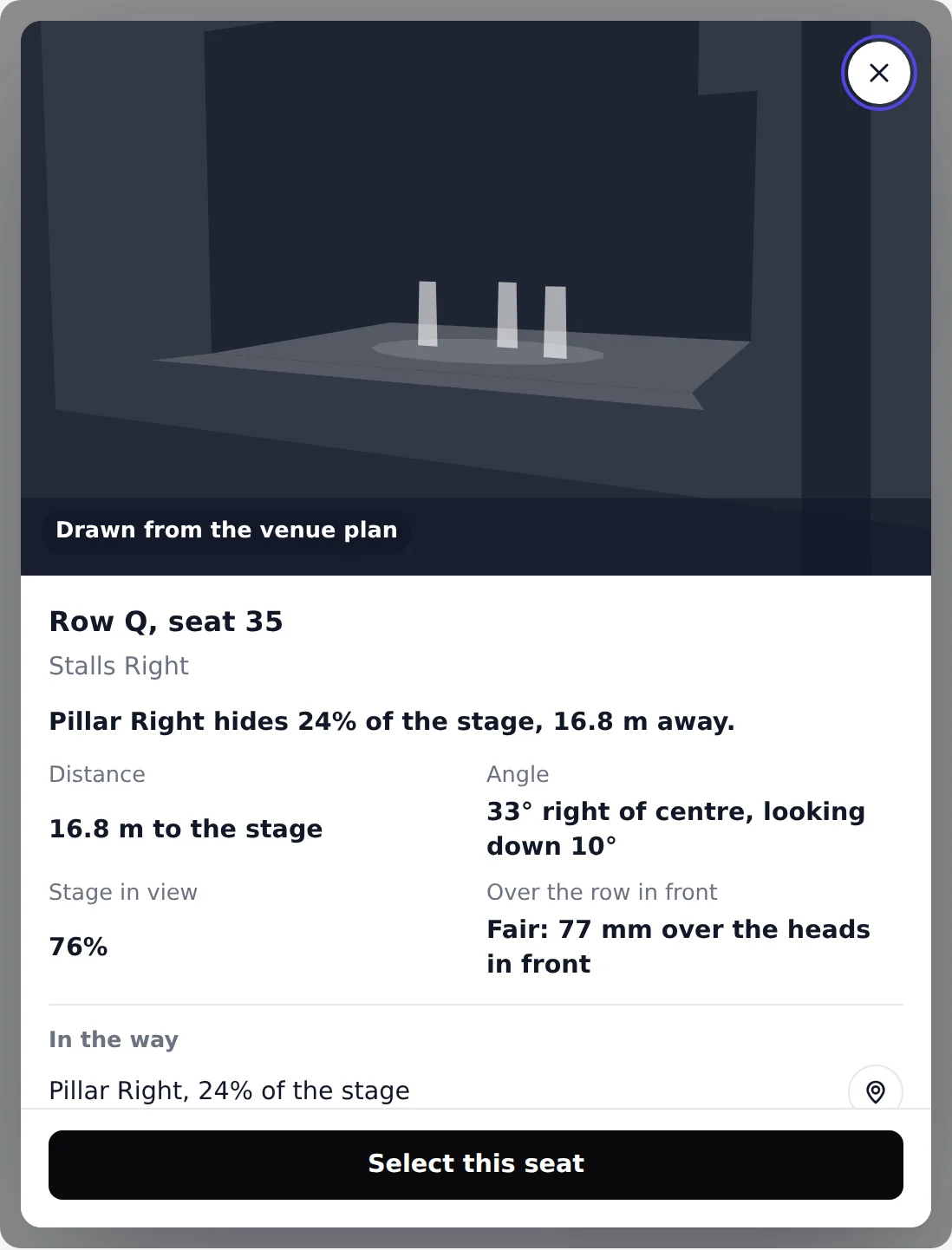
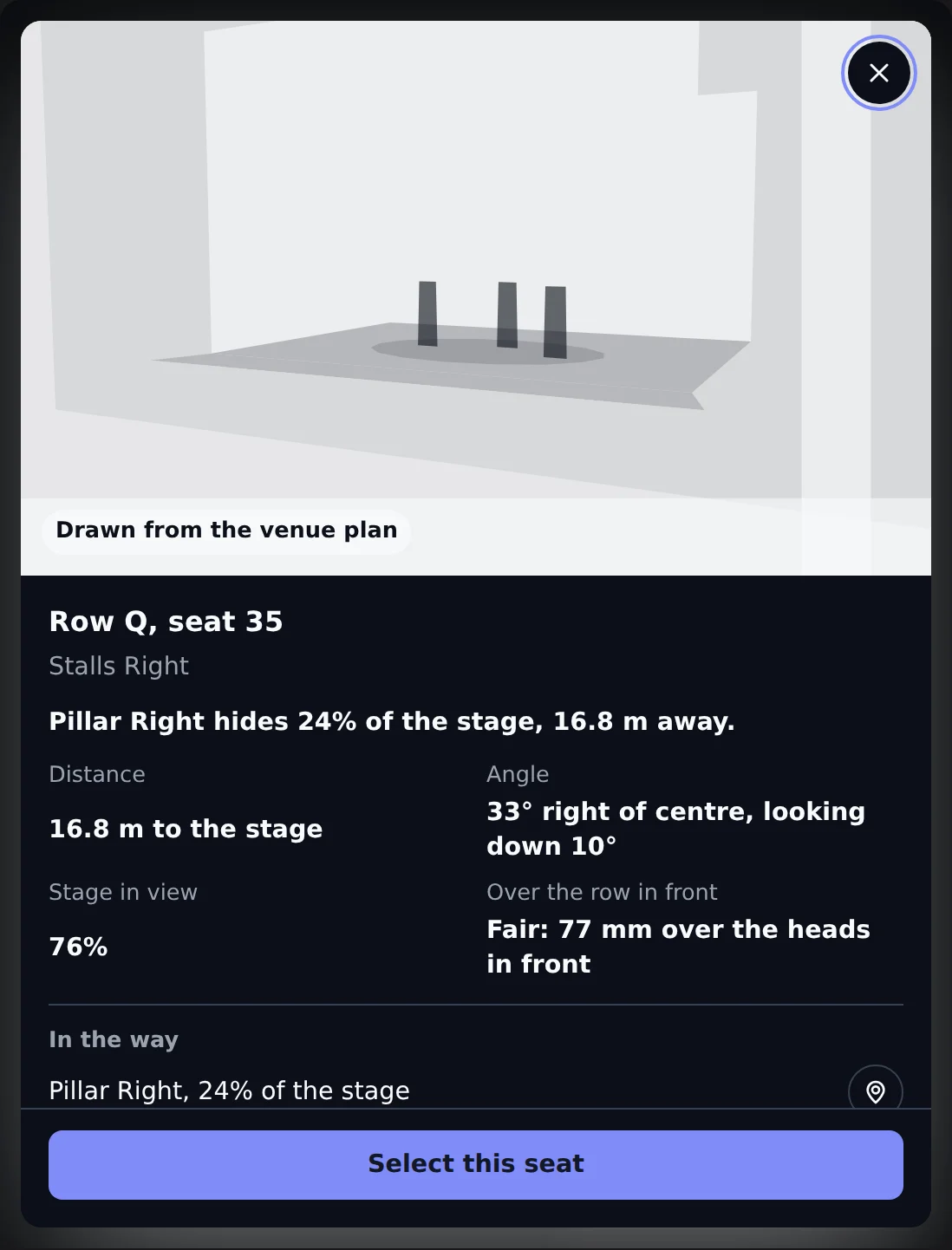
Here it is on the demo night, open on a seat in the stalls with a pillar in the way. Close it to see the map underneath, and tap another seat's picture to open its view.
What the box shows#
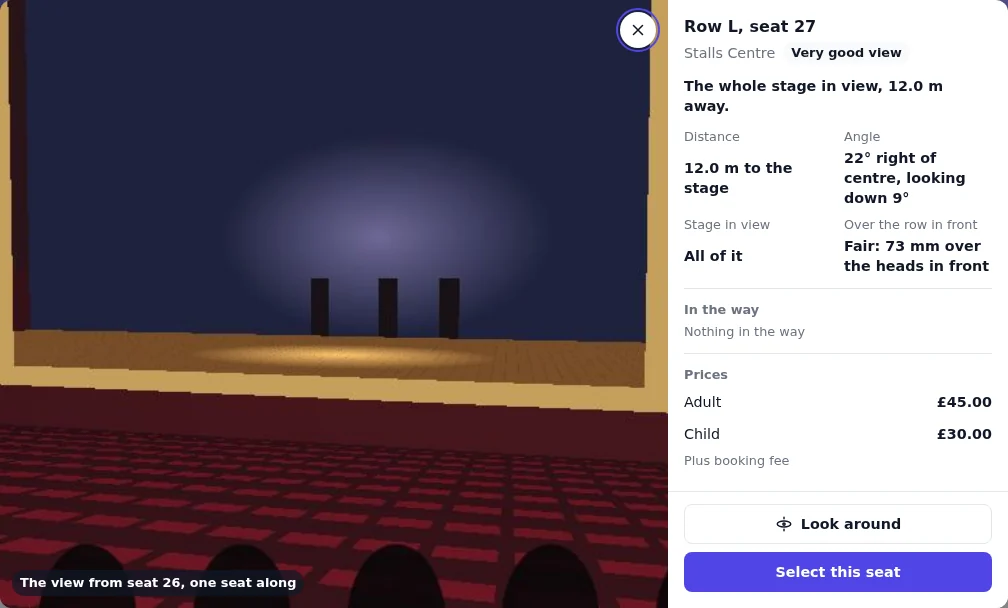
- The picture. The rendered still from the seat. Where that seat has none, the still from the nearest rendered seat in the row, captioned with how far along it is, such as "The view from seat 26, one seat along". Where the row has no renders, a drawing of the view from the venue plan: the stage, the proscenium and anything in the way, seen from the seat's eye.
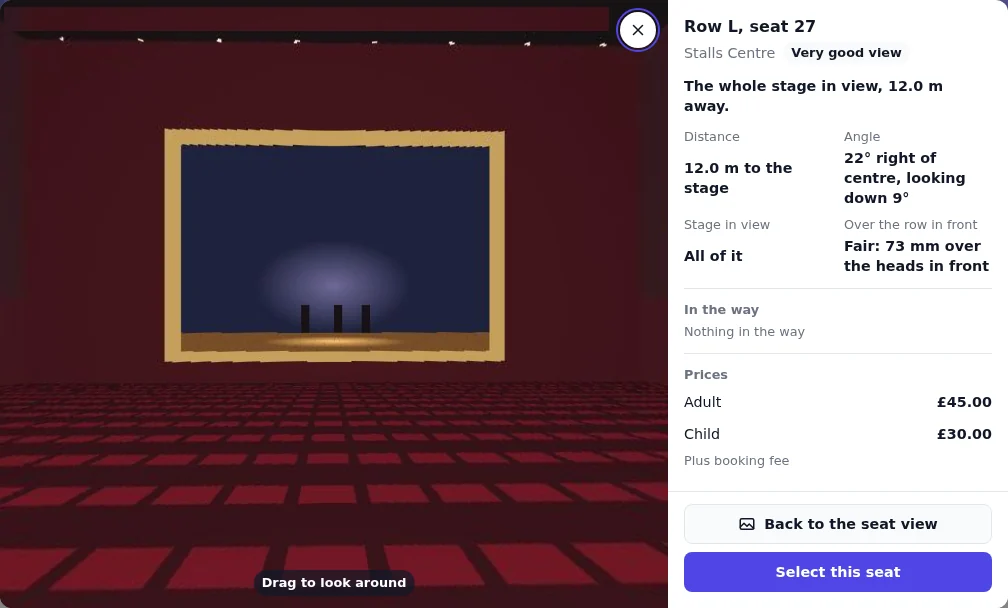
- Look around, when the row has a 360. Drag, or use the arrow keys, to look round the house from the row; Back to the seat view returns to the still.
- A summary in one line, such as "The whole stage in view, 12.0 m away." or "Pillar Left hides 24% of the stage, 16.8 m away."
- Distance to the stage, in metres.
- Angle: straight on, or so many degrees left or right of centre, and how far the seat looks down at the stage when it is a steep one.
- Stage in view: all of it, or the share a seat can see.
- Over the row in front: how far the seat's sightline clears the heads in front, in millimetres, as clear, good or fair, or between the heads in front. The front row has nobody in front.
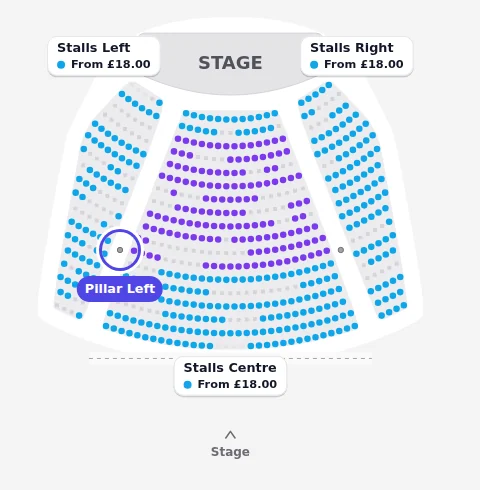
- In the way: each thing that hides part of the stage, by name, with the share it hides, or "Nothing in the way". A pillar drawn on the plan with the same name has a button that points at it on the map.
- Prices: every ticket type the seat is sold on, at face value, and whether a booking fee is added.
- Select this seat, or Select these seats for a block, which puts them in the cart. A seat that has gone says Not available, and one already in the cart says Held for you.
When something is in the way, the summary says so first, and the map can show where it stands:
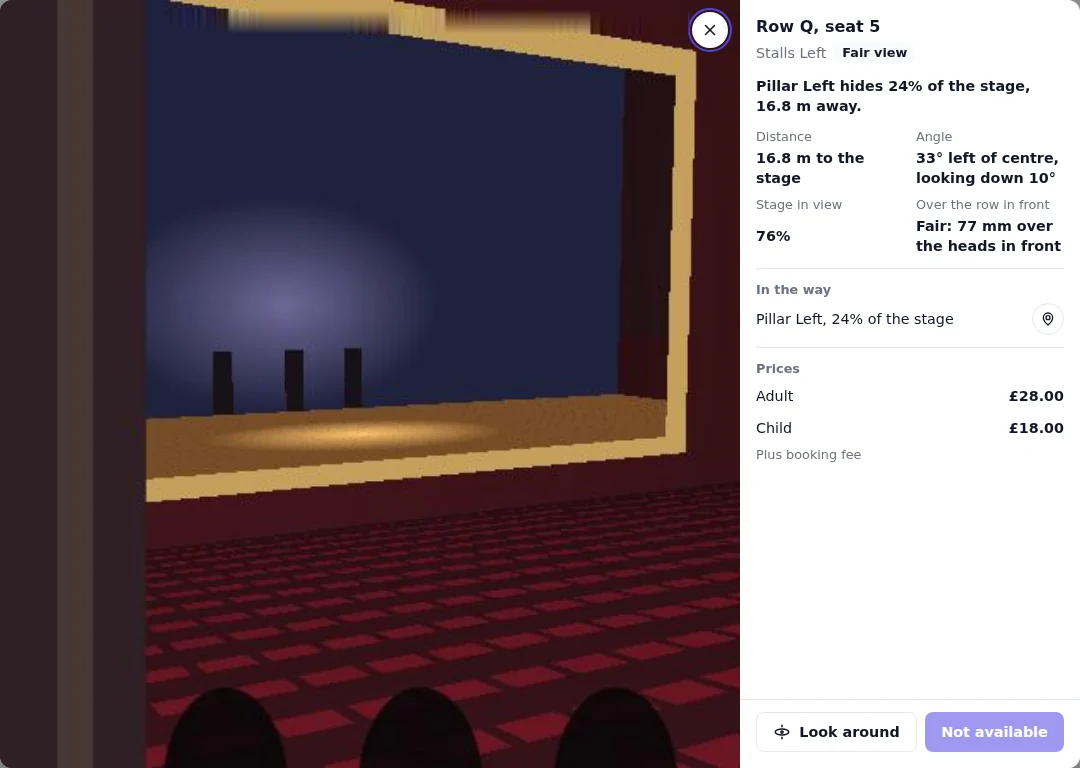
A word for how good the view is, such as Very good view or Fair view, appears only where the venue has agreed to show its view scores. The score itself, and a seat's rank for best available, are never shown.
Where views come from#
The views are worked out from a 3D model of the venue, once per plan version. The venue's model is registered to the seats on the plan, then each seat's view is measured, and a still and a 360 are rendered from every row. Make your venue 3D has the steps.
Each part needs what came before it:
| The version has | Buyers see |
|---|---|
| No 3D model | No view from the seat: the seat card shows the seat and its price, and best available still ranks seats by the plan's own distances. |
| Measured views, no renders for the row | The view drawn from the venue plan, with every fact beside it. |
| Rendered stills and 360s | The still from the seat, or the nearest rendered seat in the row, and Look around. |
The same views feed best available. Where a version has a 3D model, each seat's view takes the place of the plan's distances as the starting point of its quality, before the venue's ranking: Set up seat ranking and recommendations.
The venue signs them off#
Views belong to a venue plan version, like its seats, and they go live the same way. Marking the version live is the venue's sign-off: it takes permission to manage the venue, and buyers see the views on the events that pin the version once it is live. Renders that land on a version already live go to buyers as they land, on every event that sells from it. Until a new version is marked live no event sells from it, so its renders are seen only in Backstage, by the people checking them.
What it looks like at the box office#
Box Office draws the same seat map from the same seat data, so a seat's card shows a small picture of the view beside the seat and its price, and staff can open the same box to answer "what will I see from there?" at the counter.